






ENGLISH
Digital Security for Everyone
Our Digitaltag workshop: Click thoughtfully, not in panic.
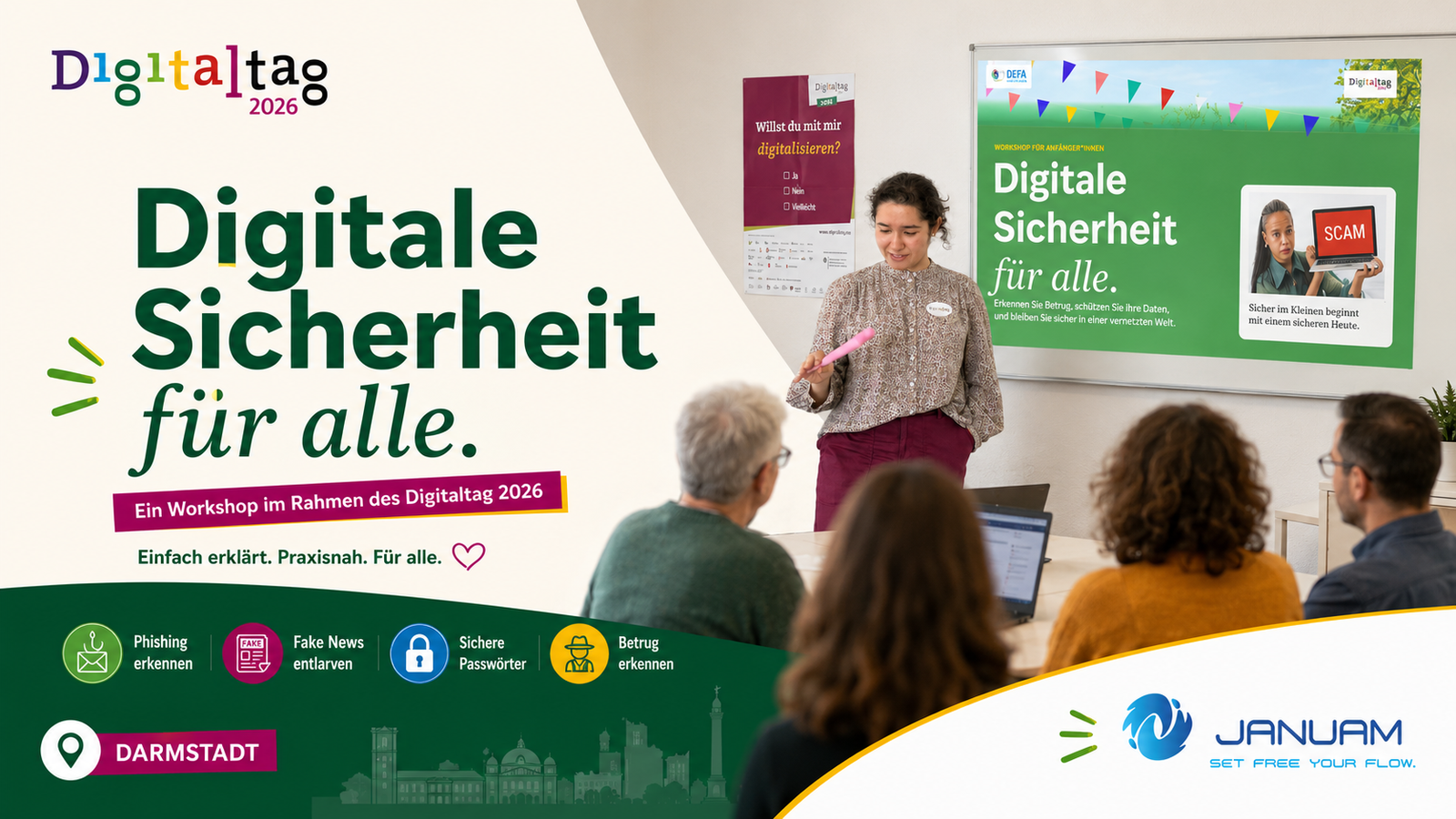
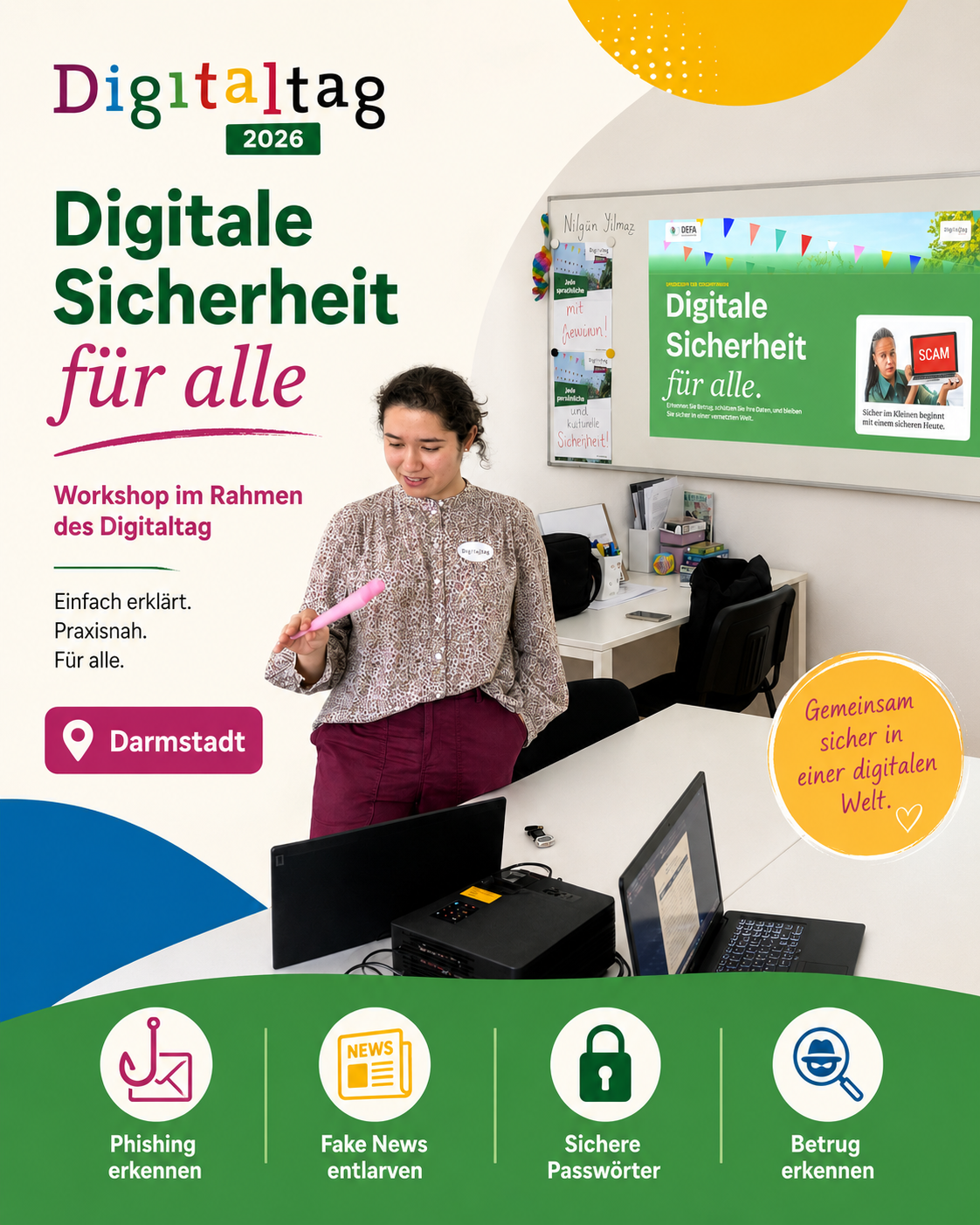
On June 26, 2026, Januam held the workshop “Digital Security for Everyone” as part of Digitaltag. At the heart of the workshop was a question that concerns all of us: How can we move more safely online without fear, without technical jargon, and without prior knowledge?
Not a hacker movie, but everyday life
Digital security may sound big, technical, and perhaps even intimidating to many people at first. It is easy to think of hacker movies, dark rooms, and complicated code. Our workshop deliberately took a different approach: it was not about panic. It was about everyday life.
It was about emails, text messages, phone calls, QR codes, passwords, devices, news, and the small decisions we make every day. Above all, it was about one simple mindset: do not react too quickly, but pause for a moment.
Click thoughtfully, not in panic.
Many scams today are not loud or spectacular. They are quiet, fast, and cleverly packaged: a parcel text message here, a supposed bank warning there, a QR code on a notice board, or a message that sounds urgent. That is exactly why we wanted to show in the workshop that safety often begins with a small moment of attention.
Three habits that help immediately
The workshop began with three simple habits that can help immediately in everyday digital life: recognize, stop, and protect.
Recognize
Notice suspicious emails, text messages, phone calls, and QR codes.
Stop
Do not click too quickly. Pause briefly and check first.
Protect
Secure accounts, passwords, devices, and personal data.
These three steps sound simple. That is exactly where their strength lies. Digital security does not have to begin perfectly. It begins when people feel confident enough to question a message, not open a link immediately, or ask again when they are unsure.
Even simple questions can make a difference: Am I really expecting a parcel? Do I actually have an account with this provider? Why am I being asked to act right now? And why should I enter my login details through a link?
From bait to a safety plan
The workshop was designed as a 90-minute practical training session. It was not only about sharing information. We wanted to look closely together, break down examples, and practice practical security habits.
In terms of content, the workshop moved from fraud tactics to a personal safety plan. First, we looked at the psychology behind digital scams. Then we explored different forms of phishing and similar attacks. After that, passwords, two-factor authentication, and passkeys were the focus.
We then introduced practical tools that can help assess links, data breaches, or password lists more effectively. At the end, the focus was on concrete next steps.
Has the internet ever tricked you?
One of the first questions in the workshop was: “Has the internet ever tricked you?” This question was intentionally human. It does not ask: “Who made a mistake?” It also does not ask: “Who was careless?”
Many people do not like to talk about having fallen for a scam attempt. They are afraid of looking foolish or being judged. Yet modern scams are often very professionally made. They use familiar brands, real logos, appropriate language, and situations that genuinely fit everyday life.
Many people are expecting a parcel. Many people take a bank message seriously. A warning about a blocked account immediately creates stress. And a prize notification can make us curious, even if we are actually skeptical.
That is why it was important to us in the workshop to emphasize: no one is “to blame” because they felt unsure for a moment. Scammers plan exactly for that moment. They want people to react under stress, curiosity, helpfulness, or fear. The first step toward more security is therefore not shame, but attention.
Humor helps, but the trick remains serious
In the workshop, we also used a short humorous video. First we laughed, then we analyzed. This order was intentional. Humor can make a difficult topic more accessible. When people laugh, they relax. And when they are more relaxed, they can learn better.
After the video, we asked three questions: What was funny? What was dangerous? What trick did the attacker use? This kind of analysis is especially important with phishing. Many scams are based on a method. It is not just about a fake email, but about manipulation.
Phishing is not a technical problem
One central message of the workshop was: phishing is not a technical problem. It is a human trick in a digital costume. Scammers do not only attack devices. They attack decisions. They try to get people to do something they otherwise might not do.
- Fear: “Your account will be blocked.”
- Urgency: “Today only!” or “Act now!”
- Curiosity: “Look at this photo of you.”
- Authority: “We are from the bank, the police, or IT support.”
- Helpfulness: “I urgently need your help.”
- Greed: “You have won!”
Not every urgent message is a scam. But almost every scam tries to feel urgent.
Spam, phishing, smishing, vishing, and quishing
In the next step, we sorted the different forms of digital fraud attempts. Many terms sound technical, but they describe very concrete everyday situations.
- Spam refers to mass messages, often with links or attachments.
- Phishing describes fake emails or websites designed to steal login credentials.
- Smishing is phishing via text message or messenger.
- Vishing is fraud via phone call or voice message.
- Quishing uses QR codes that can lead to fake websites.
The stage changes, but the pattern remains similar: gain trust, create pressure, trigger action.
Five methods against phishing emails
An important part of the workshop was learning practical methods for recognizing phishing emails more effectively. The goal was not to identify every fake message perfectly at first glance. The goal was to notice warning signs.
- Check the sender carefully: It is not only the displayed name that matters, but the actual email address.
- Recognize pressure and threats: “Final warning” or “Your account will be blocked today” are designed to create stress.
- Check links before clicking: The visible text of a link may look harmless but lead to a different website.
- Only open attachments if they were expected: A supposed invoice or form may contain malware.
- If in doubt, ask through a second channel: Do not reply to the suspicious message. Use official channels instead.
The 3-second check
Perhaps the most important practical takeaway from the workshop was the 3-second check. Before your finger is faster than your brain, three questions can help:
1. Do I know the sender?
Is the source truly known and plausible?
2. Does the content make sense?
Does the message fit my current situation?
3. Was I expecting this link, attachment, or request?
Unexpected content is always a reason to slow down.
The 3-second check is not a complicated security strategy. It is a small pause. But this pause can be decisive.
Breaking down a phishing email
During the workshop, we analyzed a sample email together. At first glance, it looked official: supposedly from Sparkasse, with an urgent warning and a link to confirm login details. On closer inspection, several warning signs became visible.
- The sender domain did not match the real Sparkasse.
- The subject line created strong pressure: “FINAL WARNING”.
- The link did not lead to the official bank website.
- The attachment had a dangerous file ending: “.pdf.exe”.
- The message directly asked for a password or PIN.
This shared “breakdown” is especially helpful. Fraud is often not recognizable from one single sign. Usually, several small warning signs appear together.
Smishing: The parcel that never arrived
One particularly well-known example is the text message about a parcel that allegedly could not be delivered. Many people order online. That is why this tactic feels so believable. The message may claim that a small forwarding fee must be paid.
The amount is often low, for example 1.99 euros. That is psychologically clever: it does not seem large enough to think about for long. You just want to solve the problem quickly. But the link leads to a fake website.
- Do not tap the link directly.
- Open the delivery service’s app or website yourself.
- Do not enter card details through a text-message link.
- Delete or report the message.
Vishing: When the phone puts on a performance
Fraud does not only happen in writing. On the phone, it can be especially convincing because a real voice creates trust. Typical opening lines include: “We are calling from your bank,” “I am from Microsoft support,” “Please confirm the code in your app,” or “Let me briefly access your computer.”
The safe standard response from the workshop is: “Thank you. I will call back myself using the official number.” Then hang up and look up the number yourself.
New risks: AI voices and deepfakes
A particularly current topic was AI voices and deepfakes. Today, voices and videos can be imitated. This makes scams emotionally even more difficult.
If someone supposedly from your family calls, says they are in trouble, and urgently needs money, it is hard to stay calm. That is exactly what shock calls rely on. That is why we recommended in the workshop: whenever money, login details, or personal information are requested, always check through a second channel.
A practical idea is a family code word. This word should not be publicly known, should not appear on social media, and should not be easy to guess.
Quishing: QR codes are surprise packages
QR codes are practical. We see them in restaurants, on posters, at parking meters, in letters, in emails, or at charging stations. That is exactly why they are also used for fraud.
With quishing, a QR code leads to a fake website. The problem is that you often only see the link after scanning. The most important recommendation: check the URL preview before opening it.
Not every QR code wants to be your friend.
Fake news: Source beats gut feeling
Digital security is not only about protection from fraud. It is also about being able to assess information better. False information often works in a similar way to scam messages: it triggers strong emotions. This is where pausing helps again.
- Check the URL: Where does the message really come from?
- Check the date: Is the information current, or is old content being shared again?
- Check the author: Is there a name, an imprint, or an identifiable organization?
- Compare: Are reputable media outlets also reporting it?
- Check images: Could photos or videos have been taken out of context?
The simple rule is: do not share before you can assess it.
Passwords: The front-door key of the internet
Passwords were another central part of the workshop. We described them as the front-door key of the internet. This metaphor fits well: whoever has the key can get in.
A good password should be unique for every account. It should be long and should not consist of names, birthdays, keyboard patterns, or simple words. Reuse is especially dangerous.
“123456” is not a password. It is a doormat that says: Please come in.
Building your own passphrase
A good alternative to complicated, short passwords is a passphrase. It is longer, easier to remember, and much harder to guess.
1. Think of your own sentence
The sentence should be personal, but not publicly known.
2. Combine words
Words, numbers, and symbols can be combined.
3. Adapt it for each account
Never use the same passphrase everywhere.
A good principle is: long beats clever. For many people, a password manager is also helpful.
Why “Summer2026!” is not clever
Many people believe a password is secure if it contains an uppercase letter, a number, and a special character. Unfortunately, that is not always the case. “Summer2026!” follows a very typical pattern: word plus year plus exclamation mark.
Attackers often test the most popular and most predictable passwords first. A password must therefore not only look formally complicated. It must be unpredictable.
Have I Been Pwned: Understanding data breaches
Another tool discussed in the workshop was Have I Been Pwned. It can be used to check whether an email address appears in known data breaches.
If an address is found in a data breach, that does not automatically mean panic. It means: take action. The affected password should be changed. If the same password was also used for other services, those passwords must be changed as well.
2FA and passkeys: Password plus seat belt
Passwords alone are often no longer enough today. That is why we talked about two-factor authentication and passkeys in the workshop.
Two-factor authentication means that, in addition to the password, you need a second proof. This can be an app code, a smartphone confirmation, or a security key.
If a confirmation suddenly appears on your phone even though you are not logging in anywhere, you should not approve it.
2FA is like a doorman. The password alone is not on the guest list.
VirusTotal: A doorman for links and files
In the workshop, we also introduced VirusTotal. This tool can check URLs, files, domains, and IP addresses. It compares assessments from several security services and can help evaluate suspicious links.
Important: a green result does not automatically mean 100 percent safety. Also, private or confidential files should never be uploaded to such services.
Device basics: Boring, but effective
Digital security is not only about recognizing fraud. Your own devices also need basic protection. It may sound boring, but it really works.
- Install updates: for phones, laptops, browsers, and routers.
- Enable antivirus protection: for many people, the built-in protection of modern systems is already enough.
- Use a screen lock: PIN, fingerprint, or face recognition protects against unauthorized access.
- Use only official stores: apps should come from the App Store, Play Store, or manufacturer websites.
- Make backups: regularly back up photos, documents, and important files.
- Keep your desk tidy: passwords do not belong on sticky notes next to the screen.
I clicked. What now?
A particularly important part of the workshop was the emergency plan. Nobody is perfect. Even careful people can click in a stressful moment. The most important message was: do not pay. Do not feel ashamed. Reporting helps others too.
- Change the password immediately, especially for the affected account.
- Log out of all active sessions if the service offers this option.
- Check account settings: forwarding rules, phone numbers, recovery addresses, and unknown devices.
- Inform your bank if payment data may be affected. In Germany, the blocking hotline 116 116 can also help.
- Contact the provider, organization, or police if damage has occurred or others may be affected.
Scammer bingo: Recognizing warning signs playfully
At the end, things became interactive again with scammer bingo. We collected typical warning signs that many people recognize from real messages.
- Urgency such as “act now!”
- An allegedly blocked account
- An unknown link
- A strange sender address
- A “you have won!” promise
- An unexpected payment request
- A random QR code
- An unexpected attachment
- A request for a password or PIN
- A message pretending to be from a bank or parcel service
Here, “bingo” does not mean click. It means delete, check, or report.
The personal safety plan
At the end of the workshop, the focus was on transfer. A good workshop does not end with “thank you,” but with the question: What concrete step will I take with me?
Today
Change one important password or set up a password manager.
This week
Enable two-factor authentication for email, banking, and social media.
From now on
Use the 3-second check before every link, file, and QR code.
Materials for download
To make the content available beyond Digitaltag, we provide the presentation “Digital Security for Everyone” on our website as a downloadable PDF.
The slides contain examples, checklists, exercises, and guidance on the most important topics from the workshop: phishing, smishing, vishing, quishing, fake news, passwords, two-factor authentication, security tools, device protection, and emergency measures.
Download the Digital Security for Everyone presentationOur conclusion from Digitaltag
The workshop on June 26 showed that digital security is not only a topic for experts. It concerns all of us. And it becomes easier when we talk about it openly.
Nobody has to know everything. Nobody has to be perfect. But everyone can learn to recognize warning signs better, pause briefly, and protect their accounts step by step.
Safe clicking begins with a 3-second pause.
Sources and materials
This article is based on the workshop material “Digital Security for Everyone,” which was used as part of Digitaltag at Januam. The content is based on the following reference materials, tools, and exercise formats.
Reference materials
BSI / Police: Phishing checklist
Basis for the 3-second check, recognizing suspicious messages, and the recommendation to check links, senders, and unexpected requests before clicking.
BSI: Basic protection – passwords
Basis for recommendations on strong passwords, individual passwords for each account, passphrases, and multi-factor authentication.
BSI: Basic protection – strong passwords
Basis for guidance on weak password patterns such as simple number sequences, names, years, or commonly used terms.
BSI guide: Content for cyber security awareness training
Basis for the workshop’s low-threshold awareness approach: understandable, practical, and suitable for people without technical prior knowledge.
Checklist for recognizing fake news / Journalismus macht Schule
Basis for recommendations on checking sources, URLs, dates, authors, legal notices, comparison with reputable media, and image or video research.
Overview of spam, phishing, smishing, vishing, and quishing
Basis for explaining the different forms of fraud via email, text message, messenger, phone calls, voice messages, and QR codes.
Tools and exercises mentioned
Google / Jigsaw Phishing Quiz
Interactive exercise tool for recognizing phishing emails: phishingquiz.withgoogle.com
Have I Been Pwned
Tool for checking whether an email address appears in known data breaches: haveibeenpwned.com
VirusTotal
Tool for checking URLs, files, domains, and IP addresses. Workshop note: do not upload private or confidential files. virustotal.com
Cyberwordlists / Common passwords
Tool or resource for illustrating frequently used and insecure passwords: cyberwordlists.com
“Phishing Attack” – humor video
Used in the workshop as an entry point to reflect on phishing methods in an understandable and humorous way.
“5 Methods Against Phishing” – video
Used in the workshop as supplementary learning material on typical protective measures against phishing emails.
This blog post summarizes an awareness workshop for non-experts.
It does not replace legal advice, digital forensics, or technical incident response.
In the event of concrete security incidents, professionals should be consulted.